Before you upload
Artwork requirements
Good artwork prints beautifully. Here is what to send us, and what we take care of for you.
Upload your artwork without a cutline
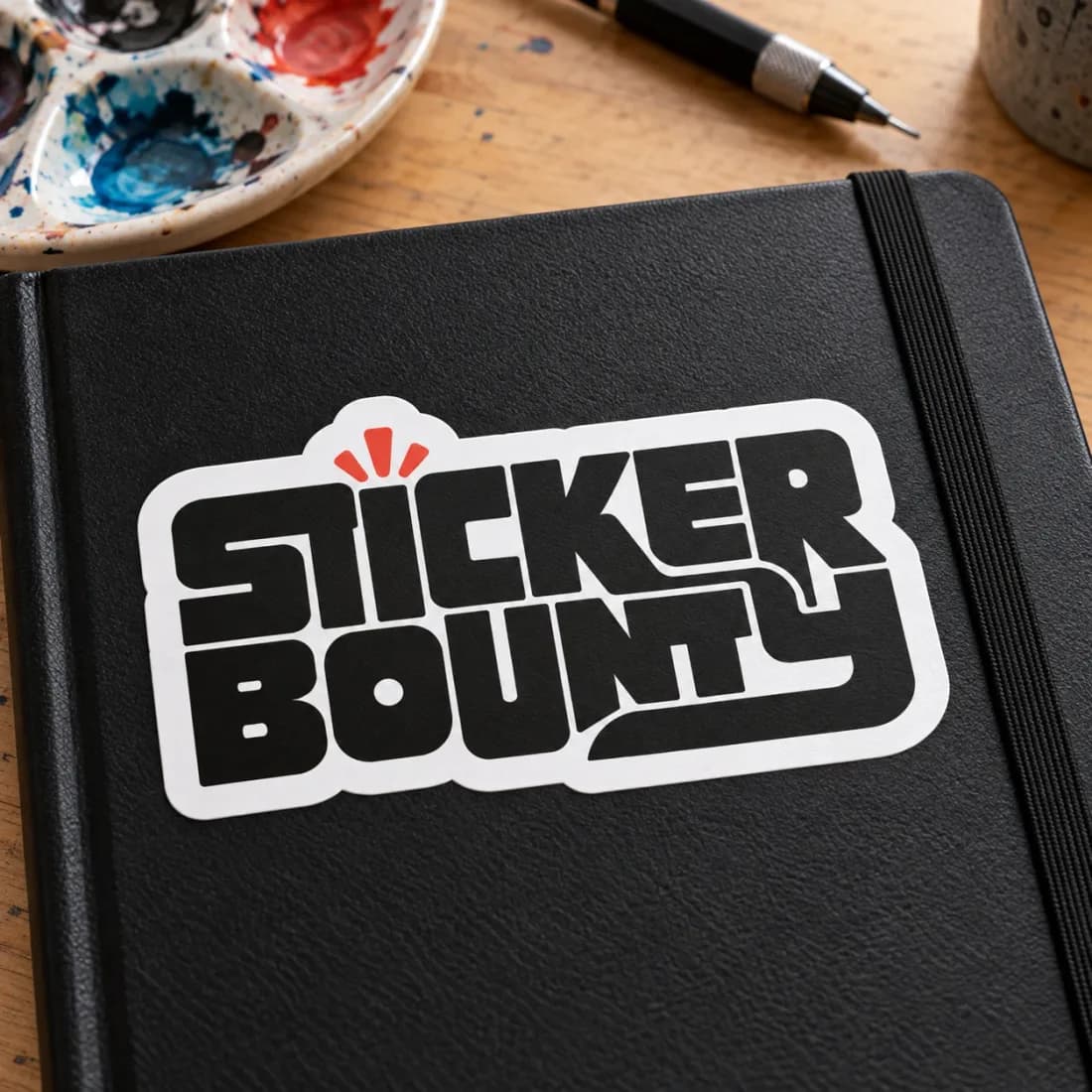
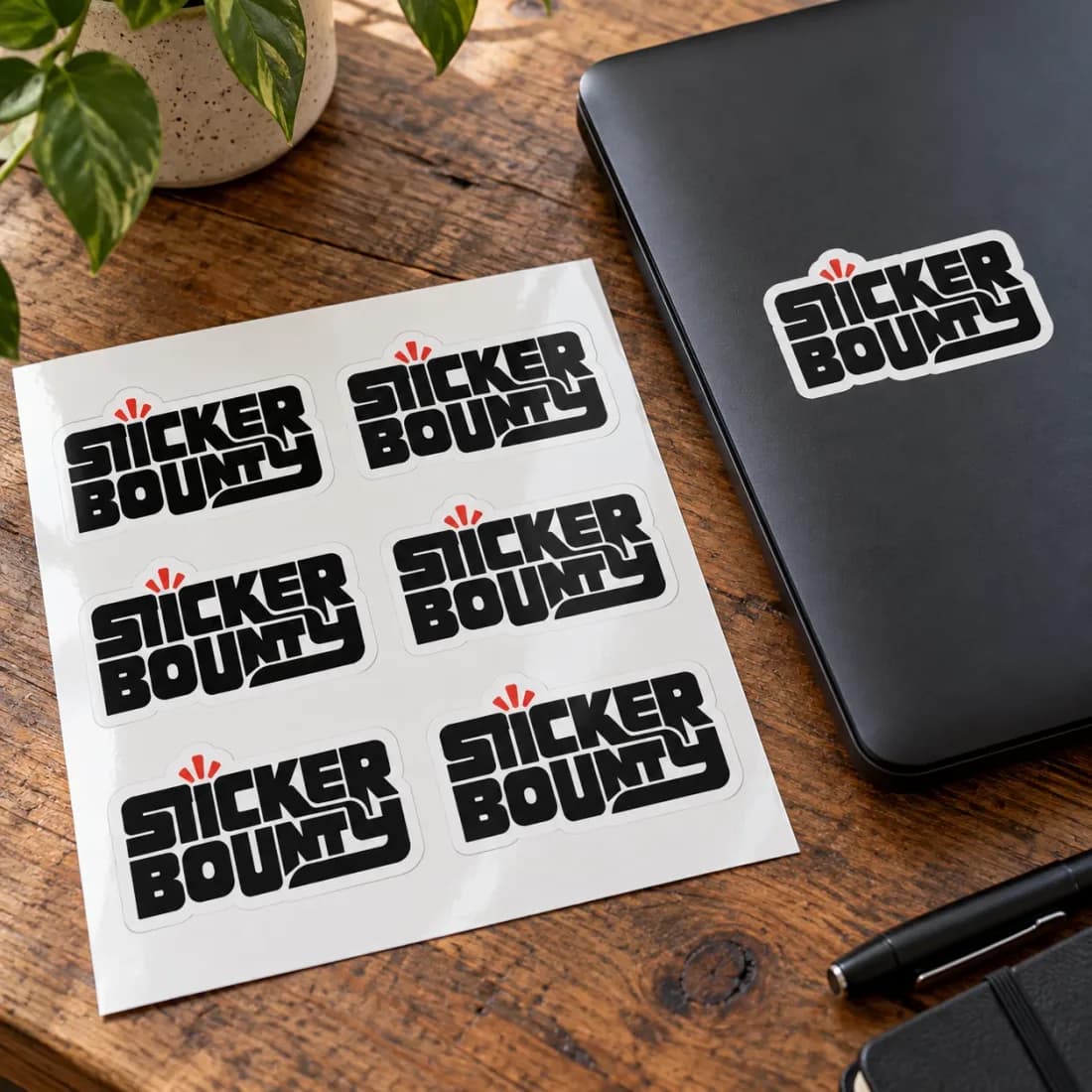
We accept PDF, EPS, JPG and PNG files, and WEBP and SVG too. For the best result, send your design without a cutline: our Sticker Studio adds a clean cutline for you, and you can fine-tune it before you order.
Tip: a PNG with a transparent background gives the cleanest result.
Already have a cutline in your file? A PDF or EPS with a CutContour line (100% magenta spot colour) is used as the cut line.
PNG
preferred, with a transparent background
25 MB
largest file, 16 to 8000 pixels per side
300 DPI
at your finished sticker size
CMYK
8-colour printing, your files are converted automatically
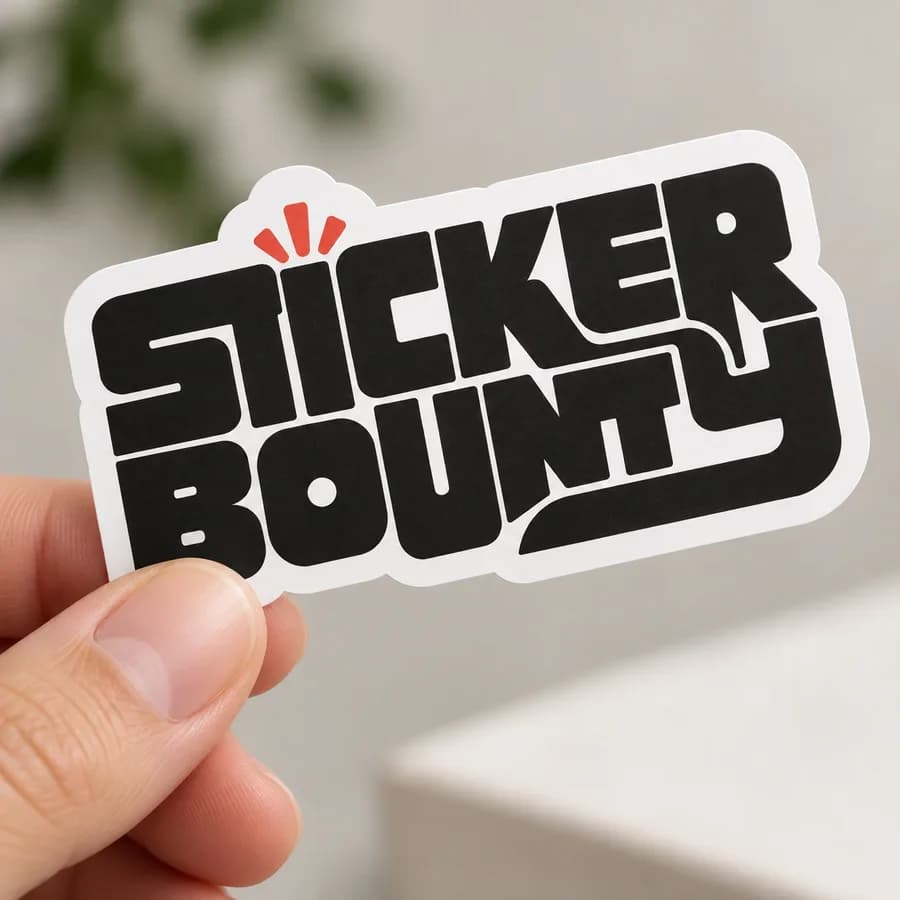
Printed in CMYK on 8-colour printers
Your design is printed with state-of-the-art 8-colour printers in CMYK. Your files are converted automatically.
Need exact colour matching, for example for brand colours? Let us know via the contact page after ordering.
How uploading works
Upload your artwork
Drag and drop your PNG into the Sticker Studio, or click to browse. PNG, JPG, WEBP, SVG, PDF and EPS work.
We add the cutline
The Studio traces the visible edges of your artwork and adds the cutline. Choose a shape, outline and size, and fine-tune the cutline if you like.
Check and order
A live print-quality indicator shows whether your file is sharp enough at your finished size. When it looks right, add it to your cart.
Do
- Use a PNG with a transparent background.
- Leave out cutlines and borders. The Studio adds the cutline.
- Aim for at least 300 DPI at your finished sticker size.
Avoid
- Drawing a cutline or border into your artwork: it would be printed as part of the sticker.
- A solid background, like a white box around your design: the cut would follow the box, not your design.
- Tiny or huge files: use 16 to 8000 pixels per side and stay under 25 MB.
No file yet? Make a sticker from a photo
Take or pick a photo on your phone, tablet or computer. Our AI sticker maker in the Sticker Studio removes the background and adds the cutline for you: just open the AI tools and choose «Make sticker».
Automatic cutlines are not always perfect. Before anything is printed, you can always choose «Send me a proof first» when you review your sticker: we check your file for free and send you a proof.
The details
Accepted file types
PNG, JPG, WEBP, SVG, PDF and EPS. EPS files are converted to PDF when you upload them; a CutContour line (100% magenta spot colour) in the file is used as the cut line and the size is read from the file itself.
File size & dimensions
Files must be under 25 MB, with image dimensions between 16 and 8000 pixels on each side.
Resolution
For crisp printing, aim for at least 300 DPI at your finished sticker size. The editor shows a live print quality indicator so you can check before ordering.
Transparency
For die-cut stickers, use a PNG or SVG with a transparent background — the cut line is generated automatically from your artwork’s visible edges.